Why More Businesses Are Replacing Traditional PCs with Cloud PCs
For years, businesses have relied on the same IT model:
Buy laptops.
Manage devices.
Patch systems.
Replace aging hardware.
Repeat the process every few years.
But as businesses continue shifting toward hybrid work, stronger security requirements, and cloud-based operations, many organizations are beginning to rethink whether traditional PCs still make sense.
That’s why more businesses are now exploring Cloud PCs and platforms like Windows 365.
And for many organizations, the conversation is no longer just about devices.
It’s about:
- security
- flexibility
- remote work
- operational efficiency
- and simplifying IT management altogether.
What Is a Cloud PC?
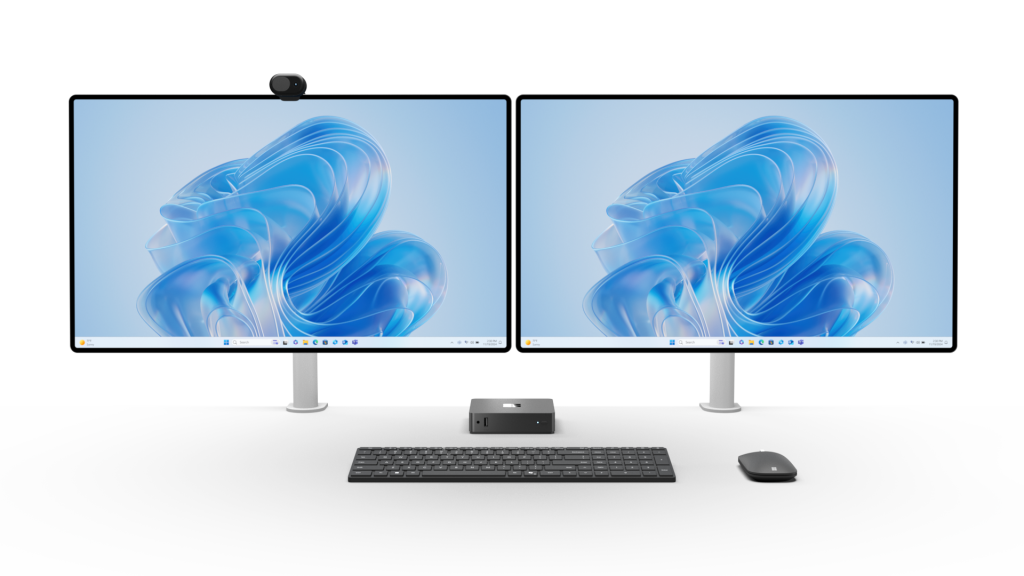
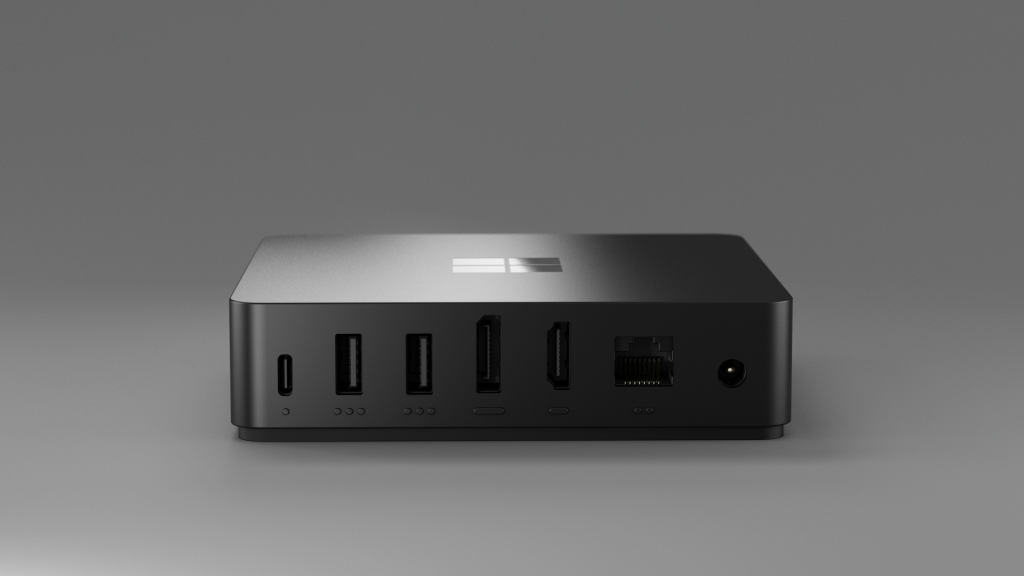
A Cloud PC is a virtual Windows computer hosted securely in the Microsoft Cloud.
Instead of relying entirely on local hardware, users can securely access their personalized Windows environment from almost anywhere using:
- laptops
- desktops
- tablets
- or supported lightweight devices
The experience looks and feels like a traditional Windows desktop—but the actual environment is managed securely through the cloud.
Microsoft’s Windows 365 platform is helping businesses modernize how employees access work applications, files, and company resources.
Why Businesses Are Rethinking Traditional PCs
The traditional device lifecycle is becoming harder and more expensive to manage.
Many businesses are dealing with:
- aging hardware
- remote workforce challenges
- inconsistent device security
- onboarding and offboarding complexity
- lost or stolen devices
- rising support costs
- growing cybersecurity risks
At the same time, employees expect to work from:
- home
- the office
- client sites
- airports
- and virtually anywhere else.
Traditional IT environments were not designed for this level of flexibility.
Cloud PCs help simplify that experience.
The Security Conversation Is Changing
One of the biggest reasons businesses are exploring Cloud PCs is security.
With traditional devices, company data often lives directly on the endpoint itself.
That creates risk when:
- devices are lost
- employees leave unexpectedly
- systems remain unpatched
- or remote users connect from unsecured environments
Cloud PCs shift much of that control back into a centralized Microsoft-managed environment.
This allows businesses to improve:
- identity security
- device management
- access controls
- compliance visibility
- and remote security management
Combined with Microsoft Intune, Conditional Access, Microsoft Defender, and Security Baseline implementations, businesses can create a much more controlled and secure modern work environment.
Why Windows 365 Is Getting Attention
Windows 365 is becoming increasingly attractive for businesses looking to simplify operations while supporting hybrid work.
Some of the biggest advantages include:
Faster Employee Onboarding
New users can access their Cloud PC quickly without waiting for complex device setup processes.
Simplified IT Management
Businesses can manage users, devices, security policies, and access controls through centralized Microsoft tools.
Better Remote Work Flexibility
Employees can securely access their work environment from virtually anywhere.
Improved Business Continuity
If a physical device fails, users can still access their Cloud PC environment without major disruption.
More Predictable IT Costs
Cloud-based environments can reduce unexpected hardware replacement cycles and simplify long-term planning.
This Isn’t Just About Remote Work Anymore
Many businesses originally viewed cloud-based desktops as a “remote work solution.”
But the conversation has evolved.
Today, organizations are evaluating Cloud PCs as part of broader:
- cybersecurity initiatives
- compliance strategies
- device modernization projects
- business continuity planning
- and digital transformation efforts
The workplace itself is changing.
And businesses still relying entirely on traditional device models may eventually face:
- higher support complexity
- slower scalability
- larger security gaps
- and more operational friction.
Cloud PCs and Compliance
For businesses operating in regulated industries or supporting government-related work, centralized cloud environments may also support broader compliance and security initiatives.
Organizations increasingly need:
- stronger identity management
- device compliance controls
- endpoint visibility
- secure remote access
- and consistent policy enforcement
This is one reason cloud-managed environments are becoming part of larger conversations around:
- cybersecurity maturity
- Zero Trust strategies
- Microsoft Security
- and compliance readiness.
Is Every Business Ready for Cloud PCs?
Not necessarily.
Some businesses still operate workloads, applications, or infrastructure that require more traditional setups.
But many organizations are now evaluating:
- hybrid environments
- cloud-first strategies
- or phased modernization approaches
The important part is understanding:
- what makes sense operationally
- what improves security
- and what supports future growth.
How CSE Helps Businesses Modernize Their Work Environments
At CSE, we help organizations evaluate and modernize their Microsoft environments through:
✔ Windows 365 & Cloud PC guidance
✔ Azure & Microsoft infrastructure services
✔ Microsoft Intune implementation
✔ Identity & device management
✔ Microsoft Security Baseline services
✔ Endpoint security & compliance support
✔ Managed IT & Helpdesk services
As a Microsoft Solutions Partner specializing in Security, Infrastructure, Modern Work, Data & AI, and Digital & App Innovation, CSE helps businesses simplify technology while preparing for the future of work.
Final Thoughts
Businesses are no longer just evaluating which laptops to buy next.
They’re reevaluating how work itself should be delivered securely, efficiently, and flexibly.
Cloud PCs and Windows 365 are becoming part of that conversation because they help organizations rethink:
- device management
- security
- remote work
- and long-term operational flexibility
The companies exploring these technologies now may be much better positioned for the next generation of work.
Want to explore whether Cloud PCs make sense for your business?
FAQs
What is included in CSE Managed IT Services?
CSE Managed Services includes 24/7 Helpdesk Support, Managed Security, Firewall Management, Network Device Monitoring, and Server Management designed to proactively protect and support your business operations.
Can CSE help protect our business from phishing and ransomware attacks?
Yes. CSE provides Microsoft Security Baseline services including MFA, Conditional Access, Safe Links, Safe Attachments, Endpoint Protection, and Threat Management to reduce cyber risk before it impacts your business.
Does CSE support remote and hybrid employees?
Absolutely. CSE helps businesses securely support remote and hybrid work environments through Microsoft Teams, SharePoint, OneDrive, Intune, and cloud-based device management solutions.
Can CSE migrate our business to Microsoft 365?
Yes. CSE provides mailbox, SharePoint, OneDrive, and file server migration services to help businesses modernize their operations with minimal disruption.
Why do businesses choose proactive IT management?
Because waiting until something breaks is expensive. Cyberattacks, downtime, and data loss can stop operations fast. CSE focuses on proactive monitoring, security, backups, and support to help businesses avoid costly interruptions before they happen.