
Government Industry
Government organizations operate under a different kind of pressure. Employees have to serve residents, manage sensitive information, support distributed teams, maintain essential systems, document decisions, and often modernize technology without interrupting services people already depend on.
CSE helps public-sector organizations manage, secure, migrate, and modernize their technology environments while maintaining clearer ownership, stronger security controls, and more consistent support across users, devices, locations, and cloud services. The objective is not modernization for its own sake. It is technology that helps the organization deliver public services more reliably, securely, and transparently.

When Government Systems Slow Down, People Feel It Outside the IT Department.
A technology interruption in government rarely stays contained to one employee. It can delay an application, interrupt communication, prevent access to records, slow a public-facing service, or stop employees from completing work across departments and locations. At the same time, agencies may be working with legacy systems, newer Microsoft cloud services, mobile employees, contractors, shared devices, security requirements, and records that need to remain available and properly controlled. That creates an environment where technology decisions need to balance security, continuity, accountability, usability, and budget at the same time.
Can employees access what they need without creating exceptions everywhere?
Field employees, office staff, contractors, administrators, and leadership may all require different access to the same environment.
Can the organization show how critical systems are being protected?
Security is stronger when identity, devices, monitoring, backup, access, and response responsibilities are documented instead of assumed.
What happens to public services when an aging system fails?
Legacy infrastructure may remain essential long after newer services have been introduced around it. Continuity requires understanding those dependencies before something stops working.
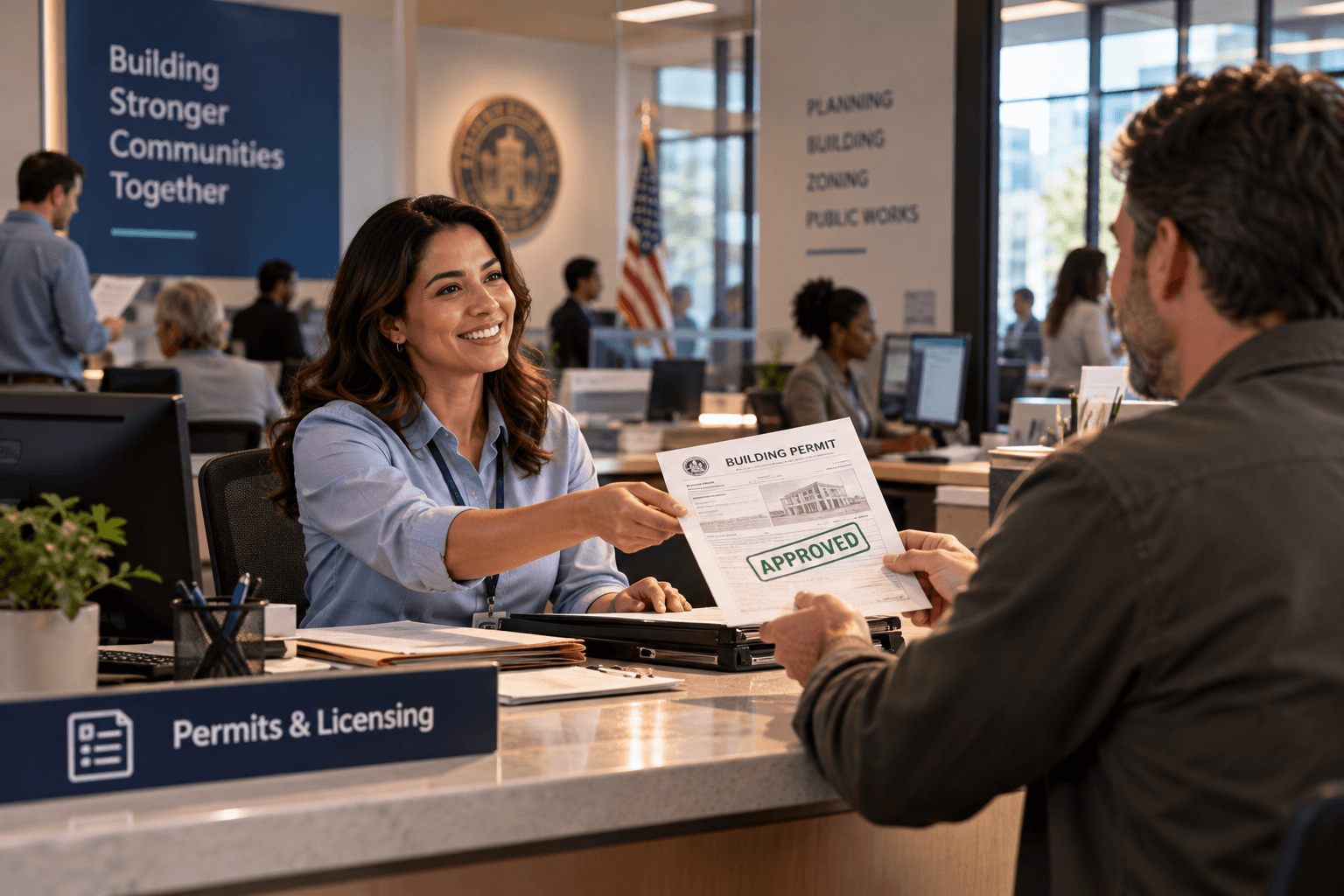
One Request Can Cross an Entire Agency Before the Citizen Sees the Result.
A resident may submit a form, permit request, application, payment, service inquiry, or other request through one simple point of contact. Behind that interaction, information can pass through intake, departmental review, supporting records, approvals, finance, external partners, and final delivery. The citizen sees one government organization. Employees may see several systems and handoffs. CSE looks at that complete journey to identify where employees are re-entering information, where access becomes unclear, where older systems create bottlenecks, and where technology risk could turn into a public-service disruption.
Work happens across rooms, devices and time zones. The workplace should too.
Understand What the Agency Depends On Before Changing What It Runs On.
Map the Environment
CSE reviews employees, identities, endpoints, networks, Microsoft 365, cloud services, existing infrastructure, business applications, data, backup, and operational dependencies. The goal is to understand which systems are essential to public service and where technology risk has accumulated.
Stabilize and Modernize
CSE can address immediate security and compliance gaps while planning migrations, infrastructure improvements, Microsoft 365 changes, Azure projects, endpoint improvements, network modernization, or business-application work in a controlled sequence.
Support, Security, Cloud, Compliance, and Modernization Under One Operating Model.
Managed IT & Service Desk
Government employees need a reliable place to go when technology interrupts their work. CSE can provide day-to-day user support, endpoint management, monitoring, maintenance, escalation, documentation, and ongoing technology management so internal resources are not forced to handle every issue themselves.
Microsoft 365 & Government Cloud
Email, documents, collaboration, identity, and communication can be brought into a more consistent Microsoft environment. CSE can support Microsoft 365 migrations and configuration while helping organizations evaluate commercial Microsoft 365, GCC, GCC High, or other government-focused environments based on their contractual, security, and data requirements.
CMMC & NIST 800-171 Implementation
Organizations supporting Department of Defense contracts or handling Controlled Unclassified Information (CUI) may need a much more structured security and compliance environment. CSE can help assess the existing environment, define the CUI boundary, map required NIST 800-171 controls, remediate gaps, and prepare the organization for CMMC Level 2 assessment. This can include CMMC Level 2 readiness assessments, NIST 800-171 control mapping, GCC High or commercial enclave design, CUI data-flow mapping, System Security Plan and POA&M development, continuous evidence collection, and C3PAO assessment support.
Identity, Endpoint & Security Operations
Government environments may include employees, contractors, administrators, shared devices, remote users, and privileged accounts. CSE can strengthen identity and endpoint controls through MFA, Conditional Access, device management, endpoint protection, vulnerability management, monitoring, and defined escalation processes. For organizations that already have internal IT staff, CSE can also extend that team with 24/7 monitoring, alert triage, managed detection and response, and escalation support.
Migration & Azure Infrastructure
CSE can plan migrations in stages across Microsoft 365, Azure infrastructure, servers, mailboxes, SharePoint, OneDrive, applications, and other workloads so dependencies are understood before critical systems are moved or retired. The objective is to modernize without creating unnecessary disruption for employees or the public services relying on those systems.
Backup, Recovery & Continuity
Government data and essential systems need more than the assumption that a backup exists somewhere. CSE can help define what is protected, retention requirements, recovery priorities, restore procedures, responsible parties, and ongoing backup verification. That gives leadership a clearer recovery path before an outage, deletion, ransomware event, or infrastructure failure becomes a public-service problem.
Modern Government IT Should Create Fewer Unknowns, Not More Tools.
The improvement should be visible in the way the organization operates. Employees know where to get support. Access is better aligned to responsibilities. Critical systems are documented. Security alerts have an owner. Backups have defined recovery expectations. Modernization projects follow an understood sequence instead of creating another disconnected layer of technology. Leadership gets a clearer picture of what the agency relies on and what needs attention next.
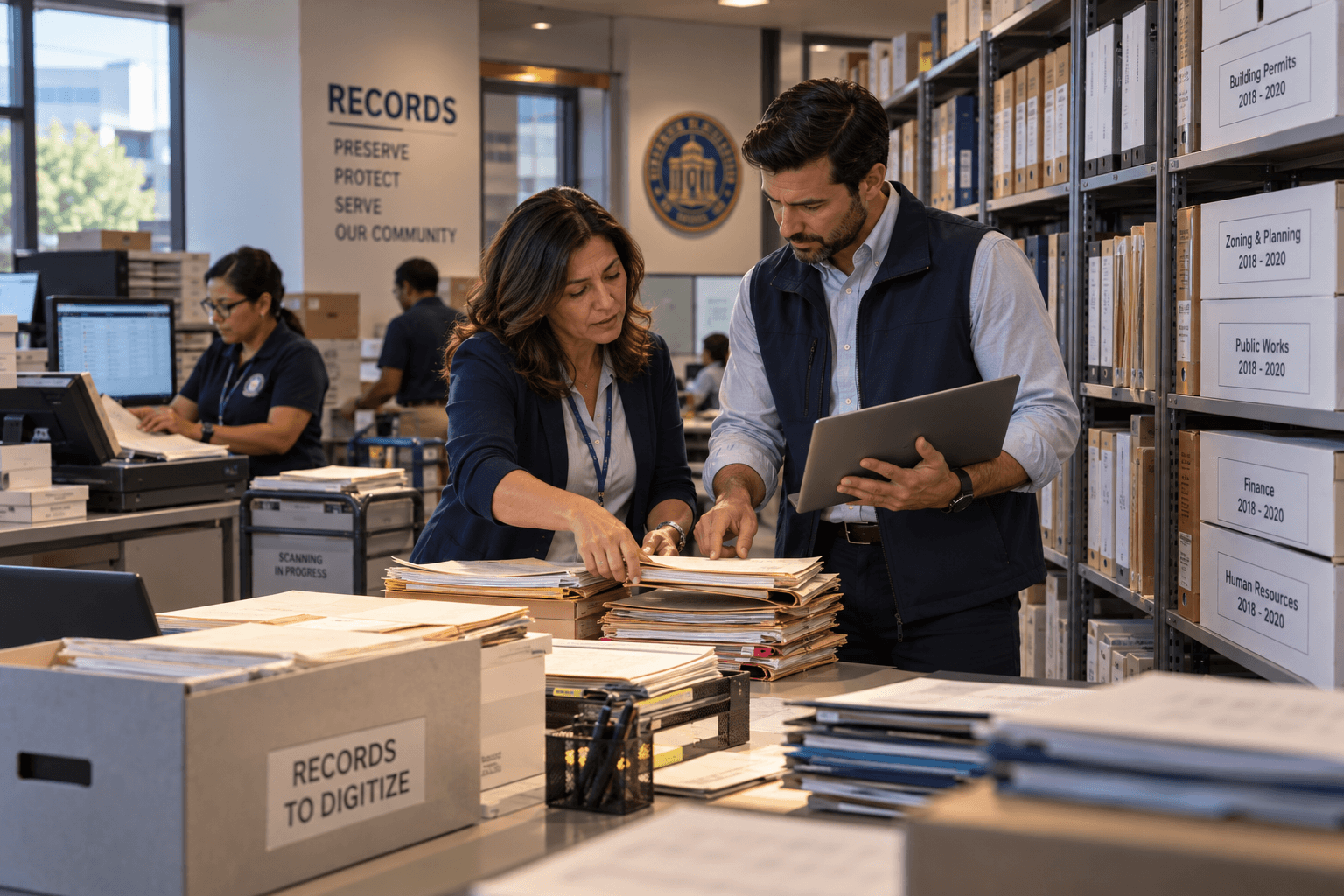
Modernize the Environment Without Treating Every Microsoft Product as a Separate Project.
Microsoft technologies can support communication, identity, devices, cloud infrastructure, business applications, data, security, and automation across government environments. CSE helps connect those capabilities around operational requirements, user access, security responsibilities, modernization priorities, and the organization's existing environment.
Security
Microsoft security capabilities can help protect identities, devices, email, information, and cloud workloads. CSE layers implementation, monitoring, operational management, and documented processes around those technologies.
Azure Infrastructure
Azure and Azure Government can support cloud workloads, modernization, remote operations, backup, application infrastructure, and environments that need to move beyond aging on-premises systems.
Business Applications
Dynamics 365 and Power Platform can help connect processes, forms, case information, approvals, reporting, and administrative workflows rather than relying entirely on manual handoffs.
Residents Experience the Service. Employees Get an Environment That Helps Them Deliver It.
More Reliable Public Services
Employees have better access to the systems and information required to complete their work, while recurring technology issues have a defined support path.
Stronger Accountability
Leadership has clearer documentation around access, security controls, infrastructure, recovery, decisions, and follow-up.
Safer Modernization
Legacy technology can be replaced in planned stages with dependencies identified before systems are retired or moved.
A Technology Foundation That Can Keep Evolving
New services, locations, employees, applications, and cloud capabilities can be introduced on top of a more controlled environment rather than another collection of exceptions.

Questions we hear early.
It is a structured review of how your people work and how your technology supports that work, followed by a plan to close the gap. The output is a workplace strategy and roadmap, not a software purchase.
Licensing gives you the capability. Consulting decides how it should be configured, which tools each team actually needs, how processes move between them, and how people are brought along. Most organizations already own more than they use.
Yes. The starting point is your current environment, including non-Microsoft tools. Replacing something is a decision the business makes, not a prerequisite for the engagement.
That is usually the reason organizations start. The goal is one workflow that behaves the same way in the office, at home or on the road, rather than a separate remote version of each process.
Yes. Adoption is part of the engagement, not an afterthought. A rollout that people do not use has not improved anything.
Your Workplace Should Fit The Way Your Business Works.
Let's identify where technology is creating friction and where a better approach can simplify the work.