
Microsoft 365 & Collaboration
OPERATE
Microsoft Teams
SharePoint
OneDrive
Exchange Online
Work no longer happens in one office, on one device, or inside one application. CSE helps organizations connect people, communication, documents, devices, and business processes so employees can work consistently whether they are at a desk, at home, with a customer, or moving between locations. The goal is not more technology.

Modern employees move between email, meetings, documents, applications, phones, offices, and remote locations throughout the same day. Problems start when every part of that experience works differently. Files end up in several places. Employees are unsure which version is current. Remote work becomes a separate process. New devices take too long to configure. Communication happens across disconnected tools. Individually, those problems seem small. Together, they decide how much effort employees spend managing the workplace instead of doing the work.
Give employees a consistent way to communicate, meet, share files, and work together.
Keep access to people, documents, and applications consistent wherever employees are working.
Standardize how laptops, desktops, and mobile devices are configured, secured, and maintained.
Reduce duplicate tools, manual handoffs, and unnecessary steps between employees and the work.
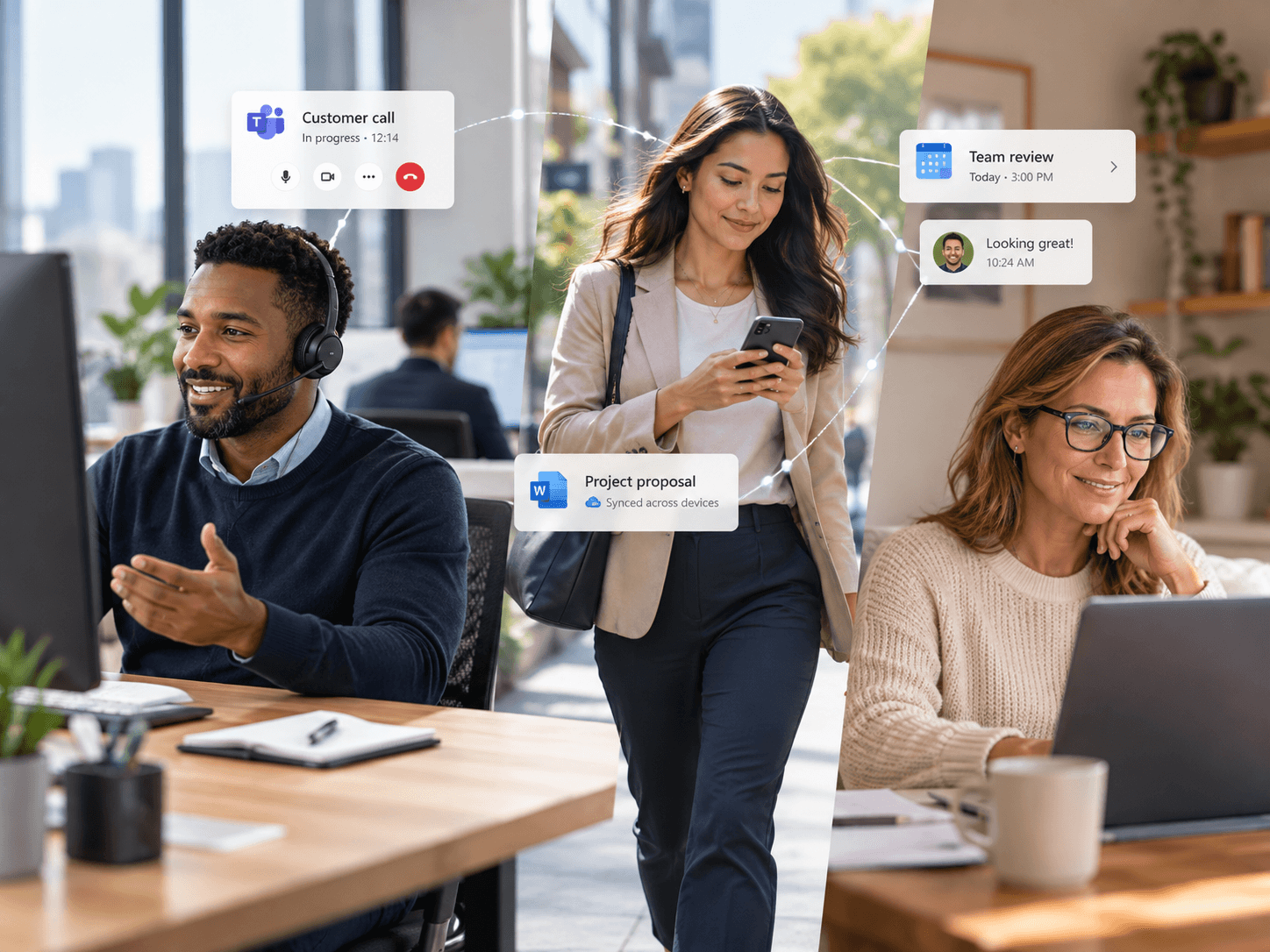
A customer call starts at a desk. The follow-up happens on a phone. Documents are reviewed from home. A colleague joins from another office. The approval happens later from a laptop. That should feel like one workflow, not five different technology experiences. CSE designs the workplace around the employee journey so identity, files, communication, applications, and devices work together instead of forcing people to remember where everything lives.
Technology handled while the business keeps moving.
A modern workplace is not Microsoft 365 by itself. Communication, devices, identity, files, automation, and employee adoption all influence whether people can actually work effectively.
A modern workplace becomes difficult to manage when every employee, location, and department works a little differently. CSE helps document how Microsoft 365, devices, communication, access, licensing, and employee workflows should operate so the environment stays consistent as the business changes. Your team knows what is supported, employees know where to work, and future technology decisions have a foundation instead of starting over every time.
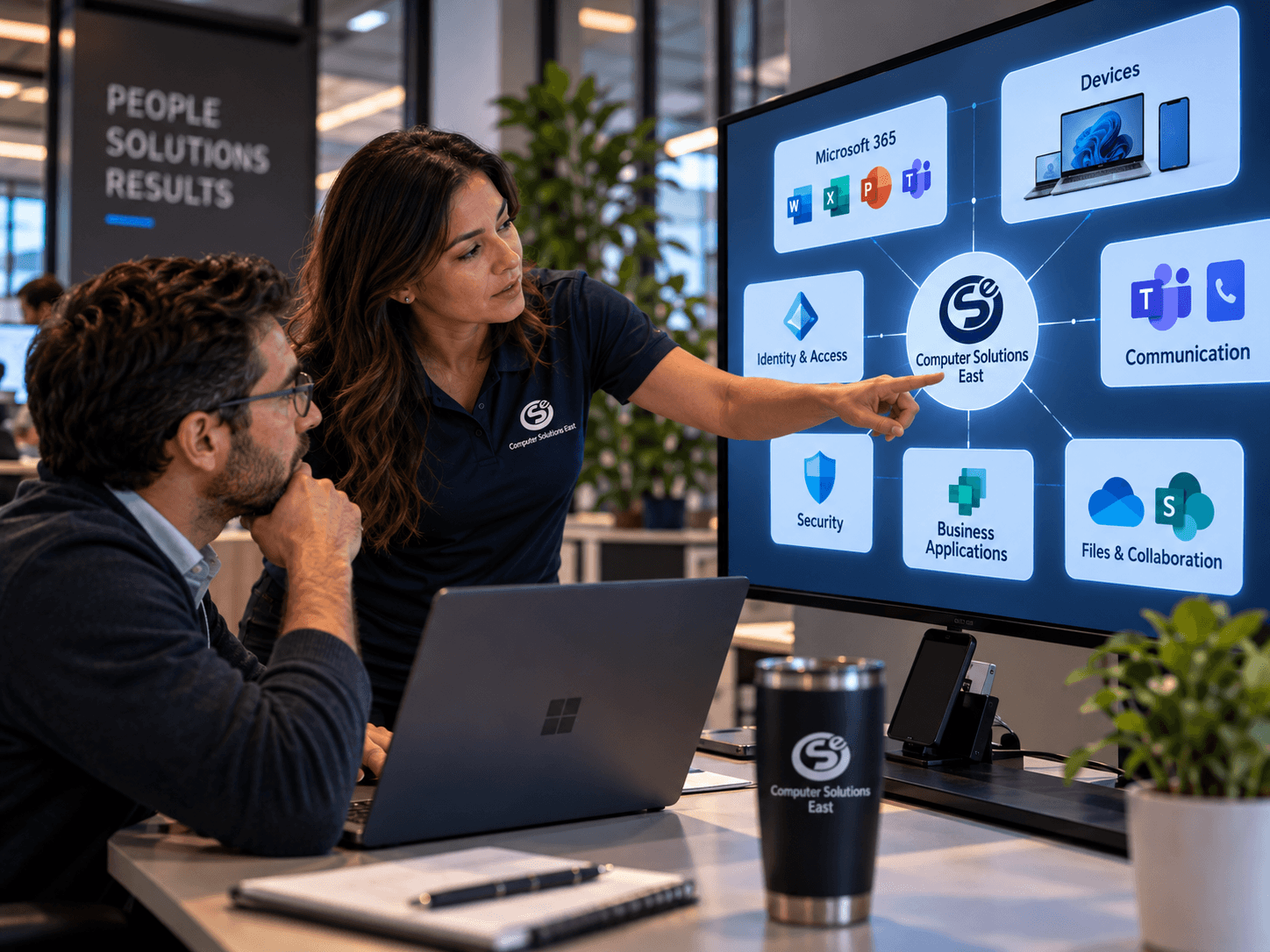
Review how employees communicate, access information, use devices, collaborate, work remotely, and move between applications. Identify where the workplace creates unnecessary friction.
Reduce duplication, clarify where files and communication belong, and define the systems employees should use for common tasks.
Configure Microsoft 365, Teams, devices, communication, identity, automation, and supporting systems around the intended employee experience.
Train employees, monitor adoption, adjust what is not working, and continue improving the workplace as the organization changes.
CSE works across Microsoft cloud, security, infrastructure, data, applications, and business systems, allowing the workplace to be designed as one environment rather than separate products.
Files and collaboration are only useful when identity, devices, networks, and cloud services supporting them are working properly.
Identity protection, device policies, access controls, endpoint protection, and security baselines can be introduced as part of the workplace architecture rather than added later.
Teams, Teams Phone, conferencing, calling, and collaboration can work as part of the same employee experience.
Technology only improves work when employees understand how and why to use it.
CSE can support organizations with employees and locations spread across the United States rather than designing the workplace around one headquarters.

CSE Statement“The result is not that employees have more technology. It is that they spend less time thinking about where to find something, how to connect, or which tool they are supposed to use”
Documents, communication, meetings, and business information have clearer homes, reducing time spent searching or recreating work.
Employees can move between the office, home, customer locations, and other workspaces without creating a separate way of working every time.
Support for your people, management of devices and servers, security monitoring, backup, Microsoft 365 administration, and ongoing technology planning. Scope is agreed up front.
Yes. That is the co-managed model — CSE covers after-hours coverage, security operations and project work while your internal team keeps what it does best.
Yes. CSE runs a NOC and SOC on a 24/7/365 basis, so monitoring and security response continue outside business hours.
Yes. Devices are managed wherever they are, and access policies are configured so remote work does not weaken security.
Yes. Administration, licensing, security baselines and adoption are part of the service, backed by Microsoft Solutions Partner designations.
Small and midsize organizations across the United States, with or without an internal IT team. If CSE is not the right fit, we will say so.
Let’s look at what’s working, what’s creating risk, and where CSE can take work off your team’s plate.