
Cloud Security Testing Services
Find the Weak Points Before Someone Else Does.
Cloud environments change fast. New applications, permissions, integrations, and services can create risk without anyone noticing. CSE tests and monitors your cloud environment to identify misconfigurations, access issues, exposed services, vulnerable workloads, and compliance gaps, then helps prioritize and address what matters most.

The Cloud Can Be Working Fine and Still Be Exposed.
A cloud environment does not need to be offline to have a security problem. A storage configuration may be too open. An account may have more access than it needs. An application may expose an insecure API. A new service may have been deployed without the right controls. Those issues can sit quietly until someone finds them. CSE tests the environment to identify where risk is building and helps your business understand what needs attention first.
Know What is Exposed
Identify vulnerabilities, misconfigurations, weak access controls, and unnecessary exposure.
Understand What Matters Most
Prioritize findings based on the potential impact to the business.
Test the Controls
Verify whether the protections you expect to be working are actually doing their job.
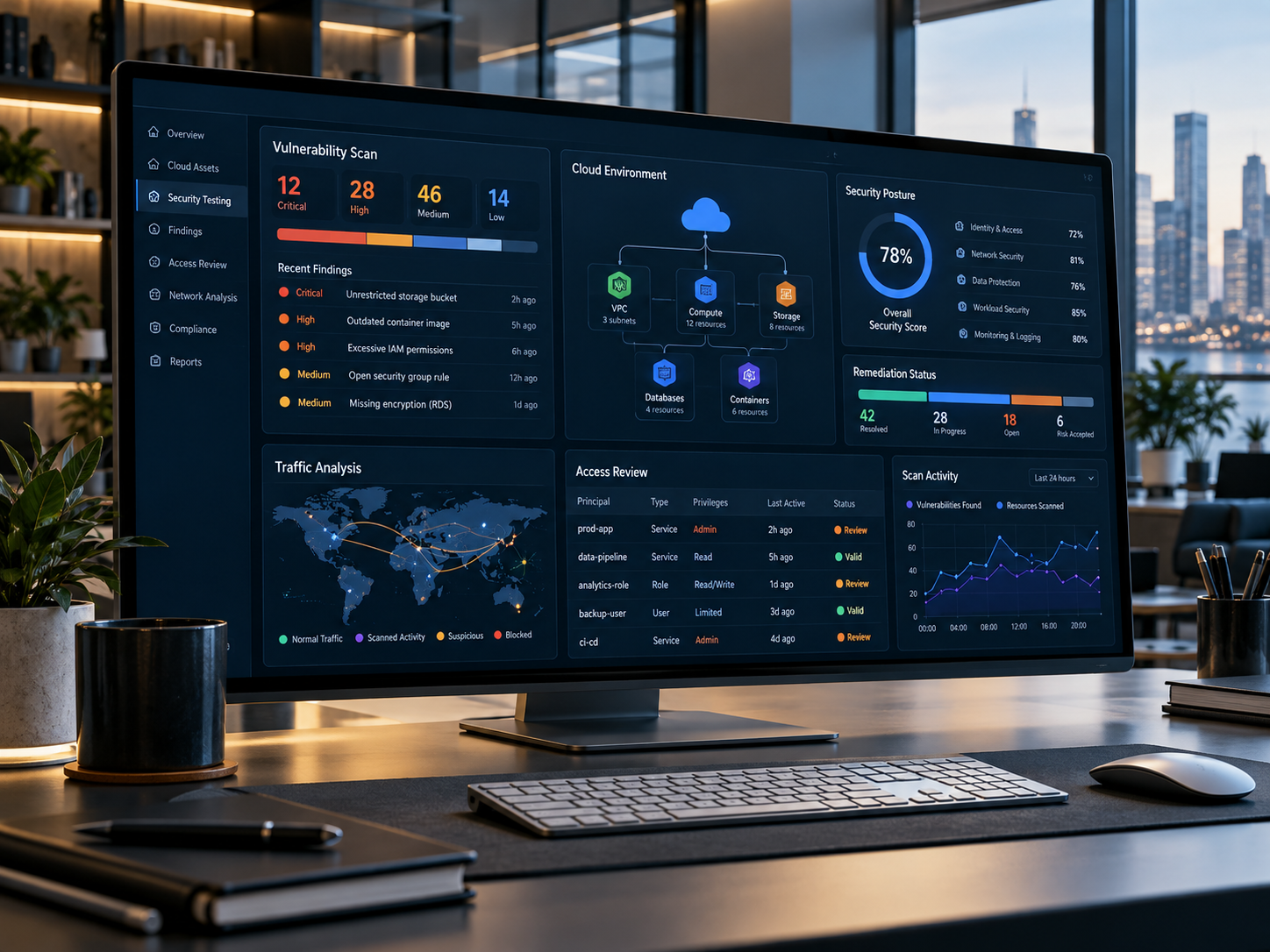
Security Testing Should Tell You More Than What Is Wrong.
A vulnerability report by itself does not solve the problem. CSE reviews how cloud workloads, traffic, access requests, and applications interact. Findings are placed into context so the business can understand where exposure exists and what needs to change. For supported Azure environments, CSE can also use Microsoft Defender for Cloud and centralized security logging to help identify common risks and maintain visibility beyond the initial assessment.
Work happens across rooms, devices and time zones. The workplace should too.
Start With The Work. Then Choose The Technology.
Understand
Review how people work today, where friction exists, and what the business needs to improve.
Design
Build the workplace strategy, technology architecture, workflow, adoption plan, and roadmap.
Implement
Deploy, integrate, train, and improve the environment with the business.
Test the Environment From More Than One Angle.
Cloud Configuration & Security Posture
Review cloud services and configurations for common weaknesses, unnecessary exposure, and security settings that need attention. Where appropriate, Microsoft Defender for Cloud can support posture review and risk identification.
Identity & Access Controls
Review authentication, permissions, privileged access, and account-related risks. The objective is to identify where users, administrators, or applications may have more access than the business intends.
Network & Workload Exposure
Review traffic, access requests, segmentation, and communication between cloud workloads. Look for unnecessary exposure and pathways that could increase the impact of a security incident.
Application & API Security Testing
Assess applications and integrations for issues such as weak authentication, broken permissions, insecure APIs, and other application-layer vulnerabilities.
Threat Monitoring & Security Logs
Bring relevant logs and alerts into centralized security monitoring where included. Use that visibility to investigate suspicious activity and identify patterns that may require action.
Compliance & Control Validation
Review technical controls against the compliance requirements relevant to the business. Testing can help identify gaps in areas such as logging, access controls, data protection, and security configuration, but it does not guarantee a specific certification or audit result.
Turn Security Findings Into a Clearer Action Plan.
Cloud testing is most useful when findings lead to action. CSE documents identified vulnerabilities, explains their potential impact, and helps prioritize remediation. Once changes are made, testing can be repeated to determine whether the issue has been addressed. That creates a more useful cycle than scanning the environment once and leaving the report untouched.
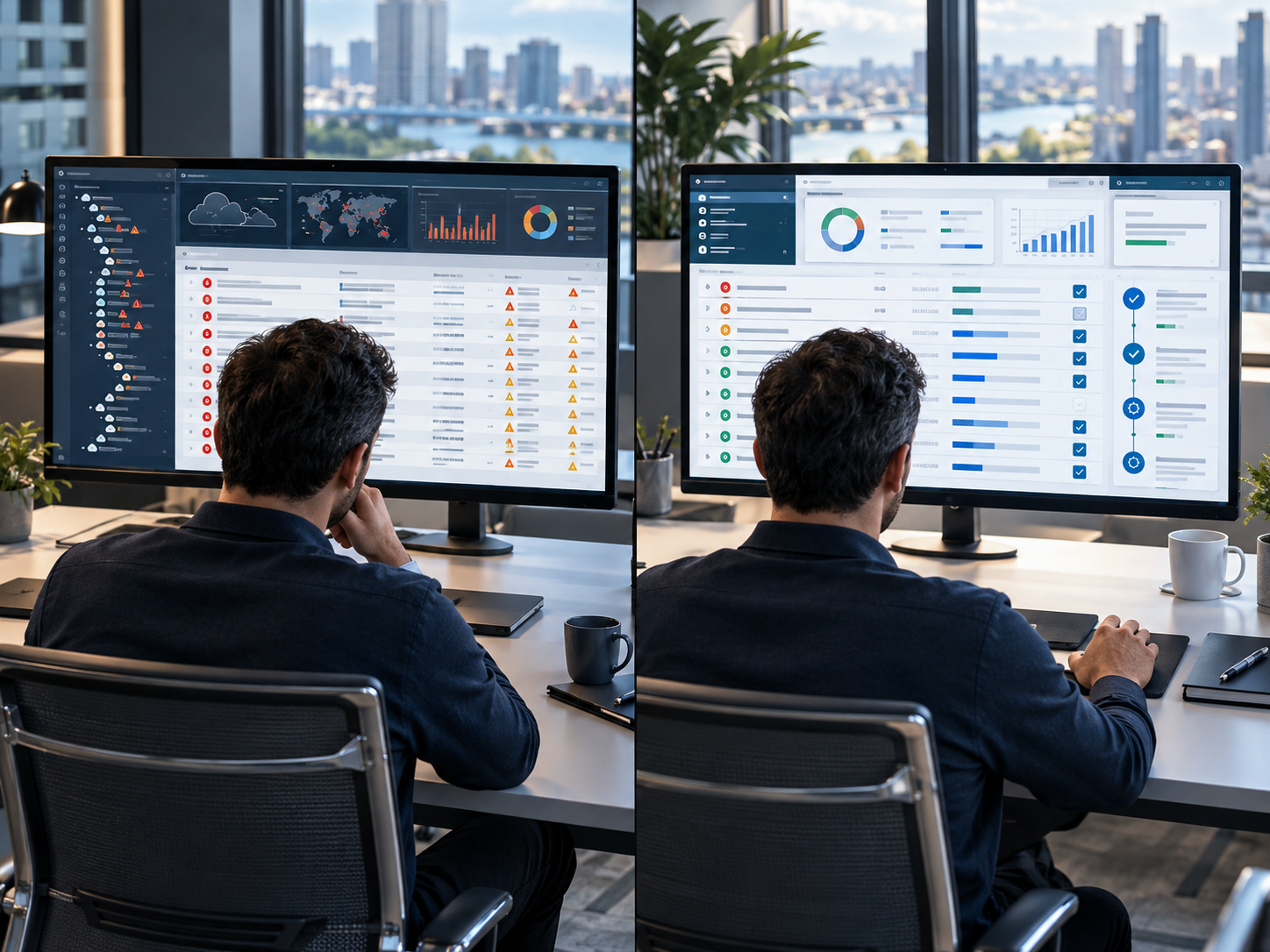
From Cloud Discovery to Stronger Controls.
Cloud security problems rarely come from one place. CSE reviews the different layers that can expose applications, systems, and business information.
Understand the Environment
Review the cloud architecture, workloads, applications, access model, and existing security controls. Agree on scope before testing begins so the assessment focuses on the systems that matter.
Test the Exposure
Use agreed assessment and testing methods to identify vulnerabilities, misconfigurations, insecure access, and other security weaknesses. Where deeper penetration testing is appropriate, testing is planned and authorized before simulated attack activity begins
Prioritize & Remediate
Document the findings, explain the potential impact, and establish remediation priorities. CSE can assist with configuration changes and security improvements within the agreed scope.
Your Business Sets the Risk Priorities. CSE Handles the Technical Work.
Azure Security Expertise
CSE’s documented Azure security services include posture review, security recommendations, monitoring, threat response, and protection of sensitive information.
Microsoft Defender for Cloud
CSE’s offerings include Microsoft Defender for Cloud implementation and the use of cloud security tooling to identify applications, enforce policies, and improve visibility across cloud services.
Security Baseline Experience
CSE’s security baseline services include Microsoft Defender, Intune, conditional access, MFA, identity logging, and related cloud security controls.
Testing Plus Monitoring
CSE combines testing with workload, infrastructure, traffic, access, and security-log monitoring rather than treating cloud security as a one-time checklist.
“This page belongs within the Managed model because the goal is not to hand your staff another scanner and tell them to watch it. CSE carries out the agreed testing, reviews the findings, manages supported monitoring, and helps coordinate remediation. Your leadership remains responsible for business priorities and decisions that affect risk, budget, or operations.”
Questions we hear early.
It is a structured review of how your people work and how your technology supports that work, followed by a plan to close the gap. The output is a workplace strategy and roadmap, not a software purchase.
Licensing gives you the capability. Consulting decides how it should be configured, which tools each team actually needs, how processes move between them, and how people are brought along. Most organizations already own more than they use.
Yes. The starting point is your current environment, including non-Microsoft tools. Replacing something is a decision the business makes, not a prerequisite for the engagement.
That is usually the reason organizations start. The goal is one workflow that behaves the same way in the office, at home or on the road, rather than a separate remote version of each process.
Yes. Adoption is part of the engagement, not an afterthought. A rollout that people do not use has not improved anything.
Your Workplace Should Fit The Way Your Business Works.
Let's identify where technology is creating friction and where a better approach can simplify the work.