
Business Continuity & Disaster Recovery Sevices
Your Business Needs a Way Back. Not Just a Backup.
When systems go down or important information becomes unavailable, your team needs a clear recovery plan, and someone responsible for carrying it out. CSE manages backup, recovery planning, monitoring, and testing for your agreed environment so you are not figuring out the next step while customers are waiting.
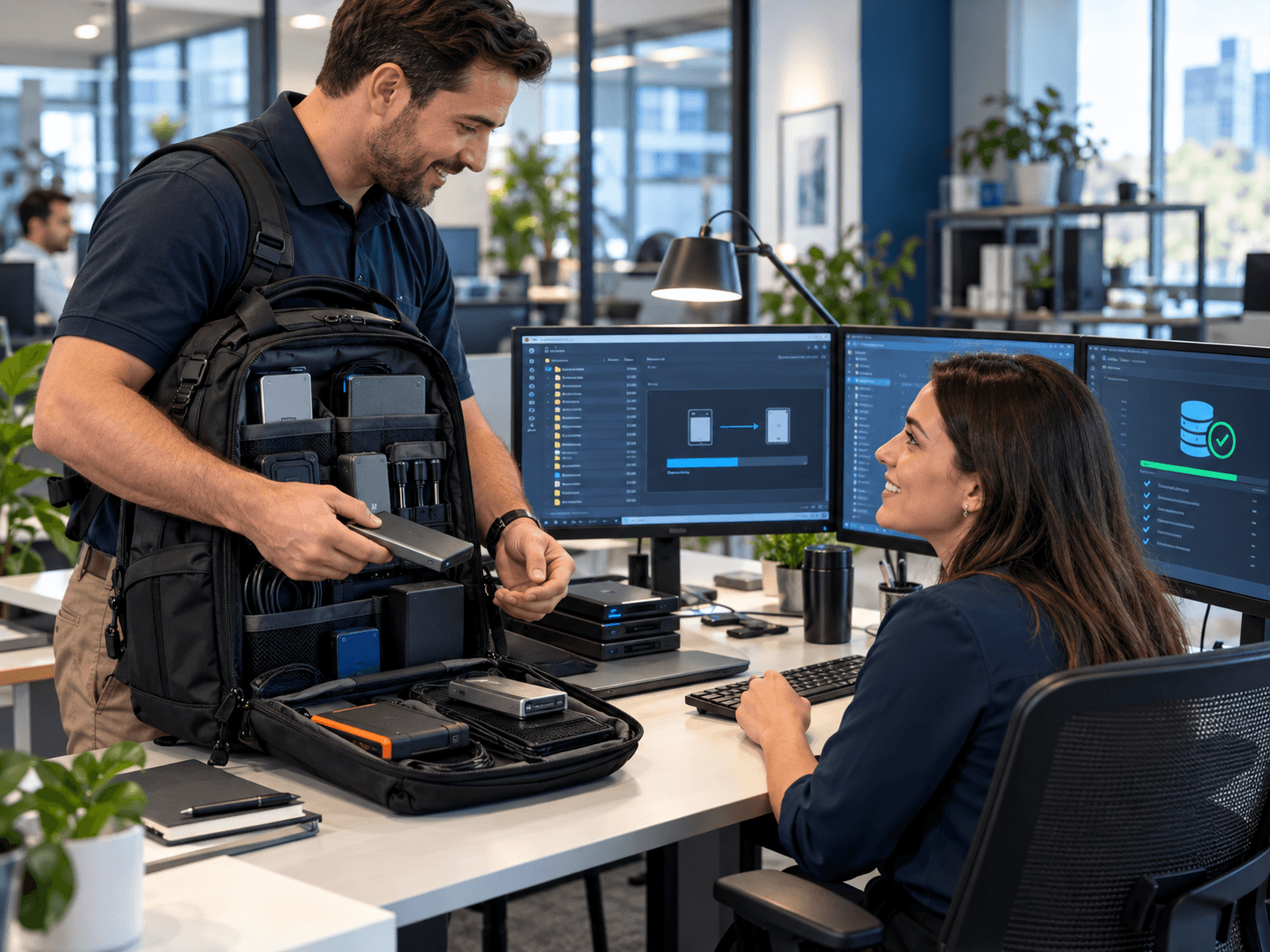
When Technology Stops, the Business Still Has Commitments.
Client deadlines do not disappear when a server fails. Employees still need their files, customers still expect answers, and your business still needs to operate. The difficult question is not simply, “Do we have a backup?” It is, “What do we restore first, who handles it, and how does everyone keep moving?” Your recovery plan should answer those questions before the pressure is on.
Monitoring Beyond Office Hours
CSE’s Network Operations Center provides 24/7 monitoring of the disaster recovery solution.
Microsoft Recovery Expertise
CSE’s documented services include Azure Backup, Azure Site Recovery, and Microsoft 365 backup, connecting cloud infrastructure and business information to the recovery plan.
Testing Built Into the Work
Recovery exercises and backup verification help check whether the configured approach supports the recovery requirements.
Ongoing Coordination
An established customer contact and escalation process help keep technology discussions, follow-up, and responsibilities organized.
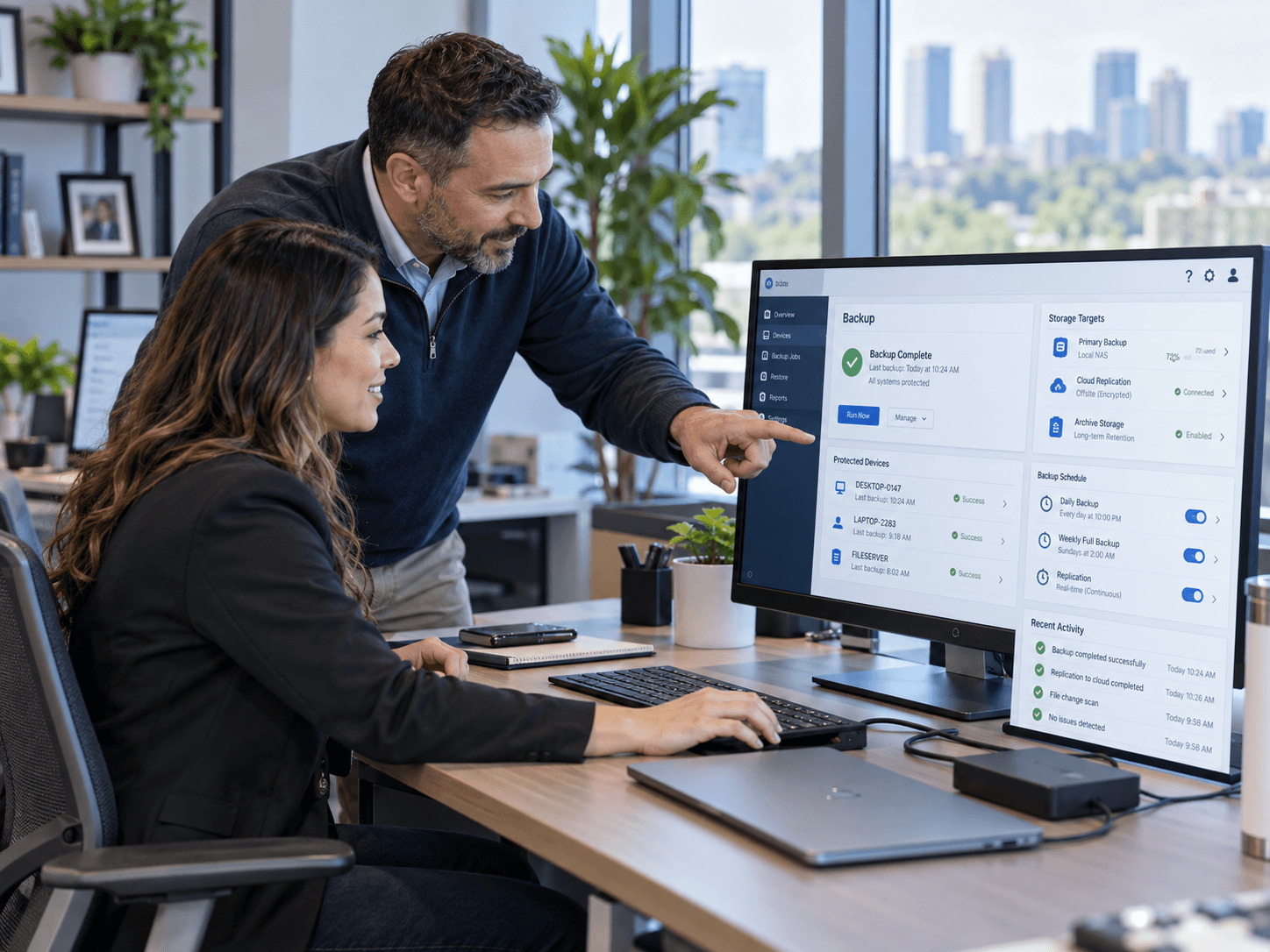
Setting It Up Is Only the Beginning.
Backup and recovery require attention after the initial configuration. CSE monitors backup and replication activity, troubleshoots problems, and supports recovery exercises. That ongoing work helps turn a configured solution into a managed recovery process, not another system your owner or office manager needs to check.
Work happens across rooms, devices and time zones. The workplace should too.
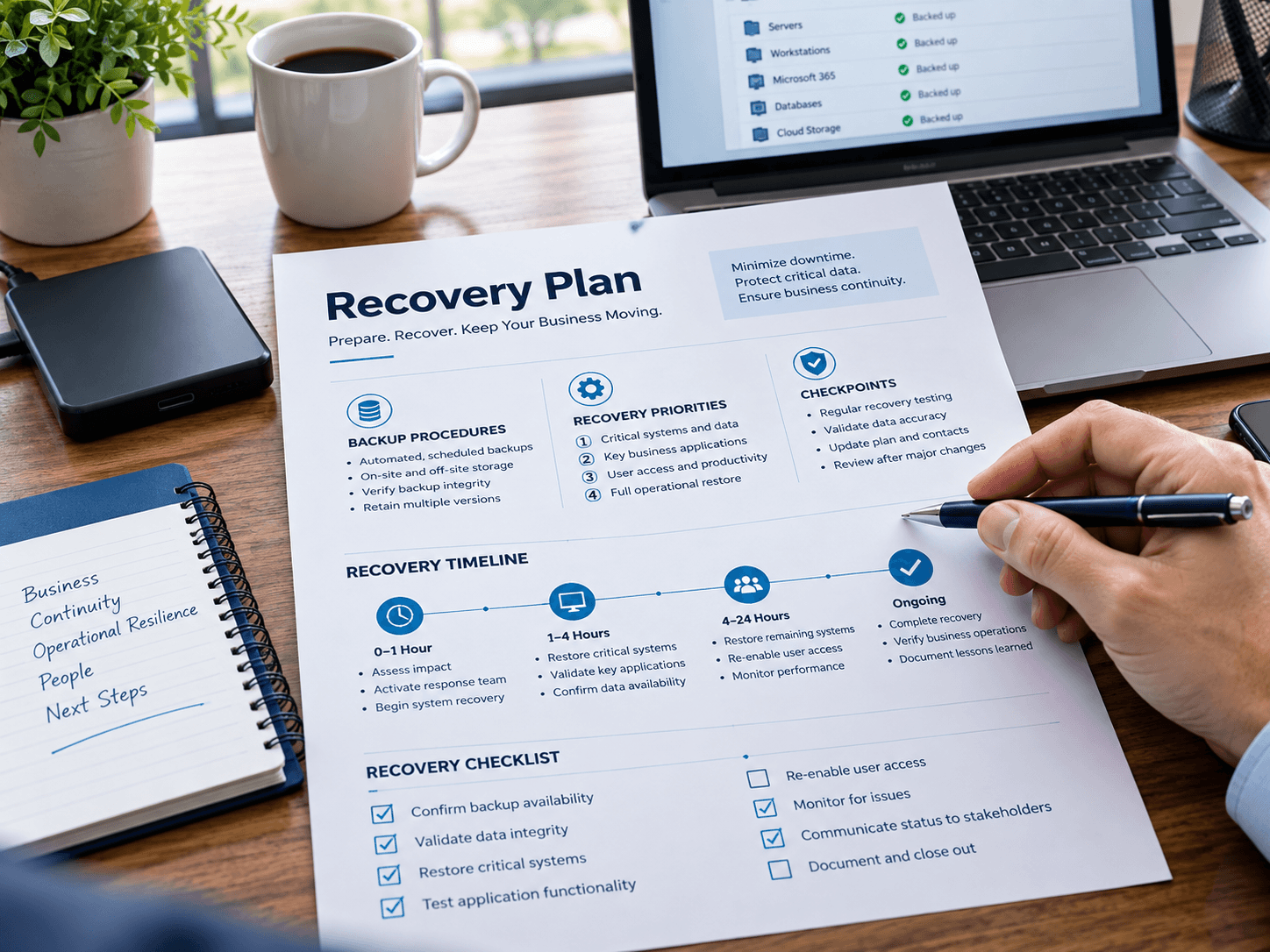
Build the Recovery Plan Before the Business Needs It.
Identify Priorities
Review the systems, information, and operations that matter most. Establish recovery expectations around the interruption and potential data loss your business can tolerate.
Configure Protection
Set up the agreed backups, replication, and recovery environment. Connect the technology to the recovery requirements rather than treating setup as the finish line.
Exercise Recovery
Run the agreed restore checks and recovery exercises. Review the results and address problems before relying on the process during an interruption.
Protect the Information. Prepare the Return to Work.
Business Continuity Planning
Define critical operations, recovery priorities, and communication responsibilities. Establish what needs to happen during a disruption instead of leaving employees to work it out under pressure.
Managed Data Backup
Configure and manage backup copies for covered business data and systems. Support recovery of files and applications using the backup capabilities selected for your environment.
Microsoft 365 Data Recovery
Provide backup and recovery support for covered Microsoft 365 information, including Exchange email, SharePoint, OneDrive, and Teams data, according to the selected solution and scope.
System Replication & Recovery
Prepare supported systems to recover in an alternate environment. Where appropriate, CSE configures replication and manages the steps for switching over and returning to the primary environment.
Recovery Testing
Exercise recovery procedures and check backup recoverability. Identify problems during testing so they can be addressed before the business depends on the process.
Monitoring & Maintenance
Monitor covered systems, backup activity, and replication status. Investigate issues and maintain the recovery configuration as part of ongoing technology management.
A Recovery Plan Should Fit Your Business. Not Just Your Servers.
Different systems support different parts of the business. Your recovery priorities should reflect those differences. CSE works with your leadership to define the recovery requirements, configure the supporting technology, and exercise the process. The goal is a plan built around your operations, not an assumption that every system can come back at the same time.
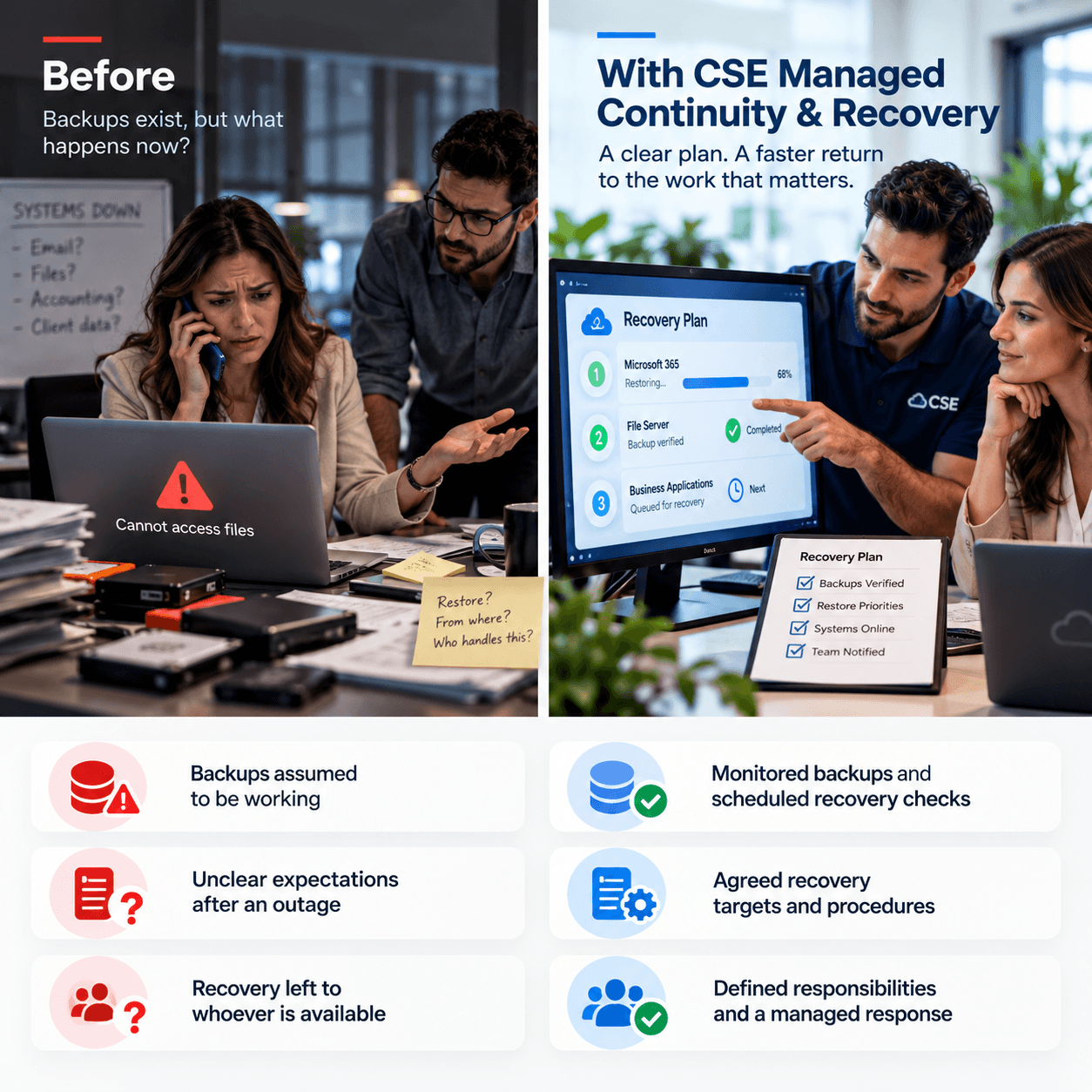
You Set the Business Priorities. CSE Manages the Technical Recovery Work.
This is a Managed service, not a recovery tool handed to your staff to operate. Your leadership defines what matters most to the business and approves the plan. CSE manages the agreed backup, monitoring, testing, and technical recovery activities. Your team remains involved in business decisions without having to run the recovery technology.
Clearer Expectations
Understand the recovery targets your environment is designed to support.
Fewer Untested Assumptions
Use recovery exercises to identify gaps before a real interruption.
A Defined Technical Response
Know which recovery work CSE manages and where business decisions are needed.
Less Uncertainty When the Business Is Under Pressure.
Clearer Expectations
Understand the recovery targets your environment is designed to support.
Fewer Untested Assumptions
Use recovery exercises to identify gaps before a real interruption.
A Defined Technical Response
Know which recovery work CSE manages and where business decisions are needed.
Questions we hear early.
It is a structured review of how your people work and how your technology supports that work, followed by a plan to close the gap. The output is a workplace strategy and roadmap, not a software purchase.
Licensing gives you the capability. Consulting decides how it should be configured, which tools each team actually needs, how processes move between them, and how people are brought along. Most organizations already own more than they use.
Yes. The starting point is your current environment, including non-Microsoft tools. Replacing something is a decision the business makes, not a prerequisite for the engagement.
That is usually the reason organizations start. The goal is one workflow that behaves the same way in the office, at home or on the road, rather than a separate remote version of each process.
Yes. Adoption is part of the engagement, not an afterthought. A rollout that people do not use has not improved anything.
Your Workplace Should Fit The Way Your Business Works.
Let's identify where technology is creating friction and where a better approach can simplify the work.