
Managed IT Services · Fully Managed IT
CSE becomes the technology team your business can rely on every day. We manage employee support, devices, Microsoft 365, security, monitoring, backup, infrastructure and ongoing technology planning, so your team can stay focused on the business instead of managing IT problems.
Most workplace problems are not technology problems. They are the gap between the way work actually happens and the tools people were given to do it. We start by closing that gap.

Your Business Shouldn’t Have to Stop Because Technology Did.
For a growing business, IT problems rarely stay inside the IT department, especially when there is no dedicated IT department. A laptop stops working. Someone loses access to Microsoft 365. A suspicious email appears. A backup fails. A new employee needs to be set up. Suddenly, the owner, office manager or operations team is trying to figure out technology instead of running the business. Fully Managed IT gives that responsibility to CSE. We handle the day-to-day technology work, respond when employees need help and continuously manage the environment behind the scenes.
One Place to Help
Employees know exactly where to go when technology gets in the way.
More Proactive IT Team
Monitoring, maintenance and updates happen before small issues become larger disruptions.
Security Becomes Part of Everyday Routines
Devices, identities, email and business data are managed with security in mind from the start.
Technology Gets a Plan
Instead of making IT decisions only when something breaks, your business gets an ongoing technology roadmap.

From East Coast to West Coast, CSE covers you through the country
Good managed IT should not require the business owner to constantly think about IT. Behind the scenes, CSE monitors the environment, maintains devices, manages updates, supports employees, oversees Microsoft 365, reviews security concerns and helps keep backups and critical systems protected. The objective is simple: keep routine technology work from becoming a routine business problem.
Work happens across rooms, devices and time zones. The workplace should too.
The Work Happens Before You Notice It.
HELPDESK SUPPORT
Help Desk Remote Support On-Site Support Employee Onboarding & Offboarding
DEVICES & SYSTEMS
Desktop & Laptop Management Server Management Patch Management Device Configuration & Lifecycle
SECURITY
Endpoint Protection Threat Monitoring Identity & Access Management Microsoft 365 Security
MICROSOFT CLOUD
Microsoft 365 Administration Azure Management Licensing & Renewals Teams, SharePoint & OneDrive Support
BACKUP & CONTINUITY
Microsoft 365 SaaS Backup Business Data Backup Disaster Recovery Planning Recovery & Restore Support
TECHNOLOGY PLANNING
AI Implementation and Assistance Budget Planning Vendor & Licensing Coordination vCIO Guidance
One Team Across Your Technology Environment.
Employee Support
Give employees one dependable place to go for everyday technology problems, access requests, and support.
Devices & Systems
Keep the devices and systems employees depend on maintained, updated, and properly configured.
Security
Build security into the environment instead of treating it as a separate project after something goes wrong.
Microsoft Cloud
Manage the Microsoft environment your employees use every day and keep licenses, access, and services organized.
Backup & Continuity
Prepare for data loss, system failure, and unexpected disruption before the business is depending on a recovery plan.
Technology Planning
Turn IT decisions into an ongoing business plan instead of a series of emergency purchases.
From First Assessment to Everyday Support.
Your technology should not become a mystery every time something changes. CSE builds an ongoing understanding of your environment, your users, devices, Microsoft services, vendors, security priorities and business goals. That means your team is not explaining the business from scratch every time support is needed. It also means technology decisions are documented, reviewed and connected to a longer-term plan instead of disappearing after onboarding.
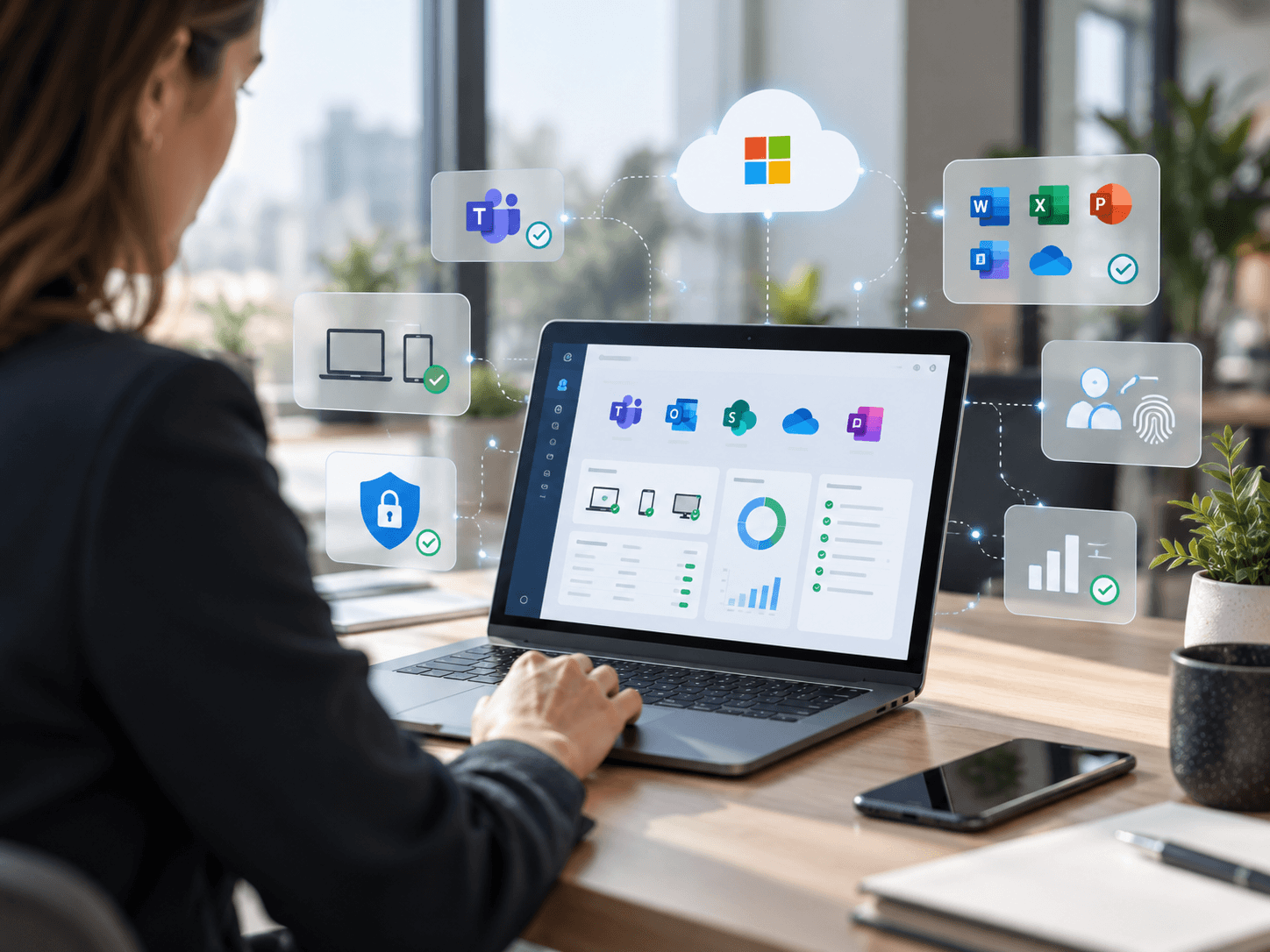
Named People. Documented Systems. A Roadmap That Stays.
Your technology should not become a mystery every time something changes. CSE builds an ongoing understanding of your environment, your users, devices, Microsoft services, vendors, security priorities and business goals. That means your team is not explaining the business from scratch every time support is needed. It also means technology decisions are documented, reviewed and connected to a longer-term plan instead of disappearing after onboarding.
Security
Protect identities, devices, data and cloud environments.
Data & AI
Use organizational data and AI to improve decisions and productivity.
App Innovation
Create and improve applications, workflows and digital processes.
Measured In Time People Get Back.
Less friction
Employees spend less time working around disconnected tools.
Better adoption
Technology is designed around the way people need to work.
More consistent workflows
Documents, applications, communications and approvals are easier to connect.
A clearer roadmap
Technology decisions become part of a broader business plan.
“The goal of managed IT is not to make the business think more about technology. It is to make technology less disruptive to the business. When the environment has clear ownership, employees know where to get help, routine maintenance happens consistently and leadership has better visibility into what comes next.”
Questions we hear early.
It is a structured review of how your people work and how your technology supports that work, followed by a plan to close the gap. The output is a workplace strategy and roadmap, not a software purchase.
Licensing gives you the capability. Consulting decides how it should be configured, which tools each team actually needs, how processes move between them, and how people are brought along. Most organizations already own more than they use.
Yes. The starting point is your current environment, including non-Microsoft tools. Replacing something is a decision the business makes, not a prerequisite for the engagement.
That is usually the reason organizations start. The goal is one workflow that behaves the same way in the office, at home or on the road, rather than a separate remote version of each process.
Yes. Adoption is part of the engagement, not an afterthought. A rollout that people do not use has not improved anything.
Your Technology Should Help the Business Move Forward, Not Slow It Down.
If IT problems are still landing on the owner, office manager or operations team, the business is already spending time managing technology, whether that was the plan or not. Let’s look at what is working, what is creating unnecessary risk or disruption, and where CSE can take the day-to-day technology responsibility off your team.