
IT Management
Every business depends on technology to serve customers, communicate, manage information, and keep employees working. But maintaining those systems, handling support requests, and staying ahead of security risks can quickly become a responsibility nobody has time for.
Computer Solutions East (CSE) helps businesses manage, secure, and support their technology through managed IT services, cybersecurity, infrastructure management, and practical technology guidance. Whether you need a complete IT partner or additional support for your internal team, we help put clear responsibilities and dependable processes behind the technology your business uses every day.
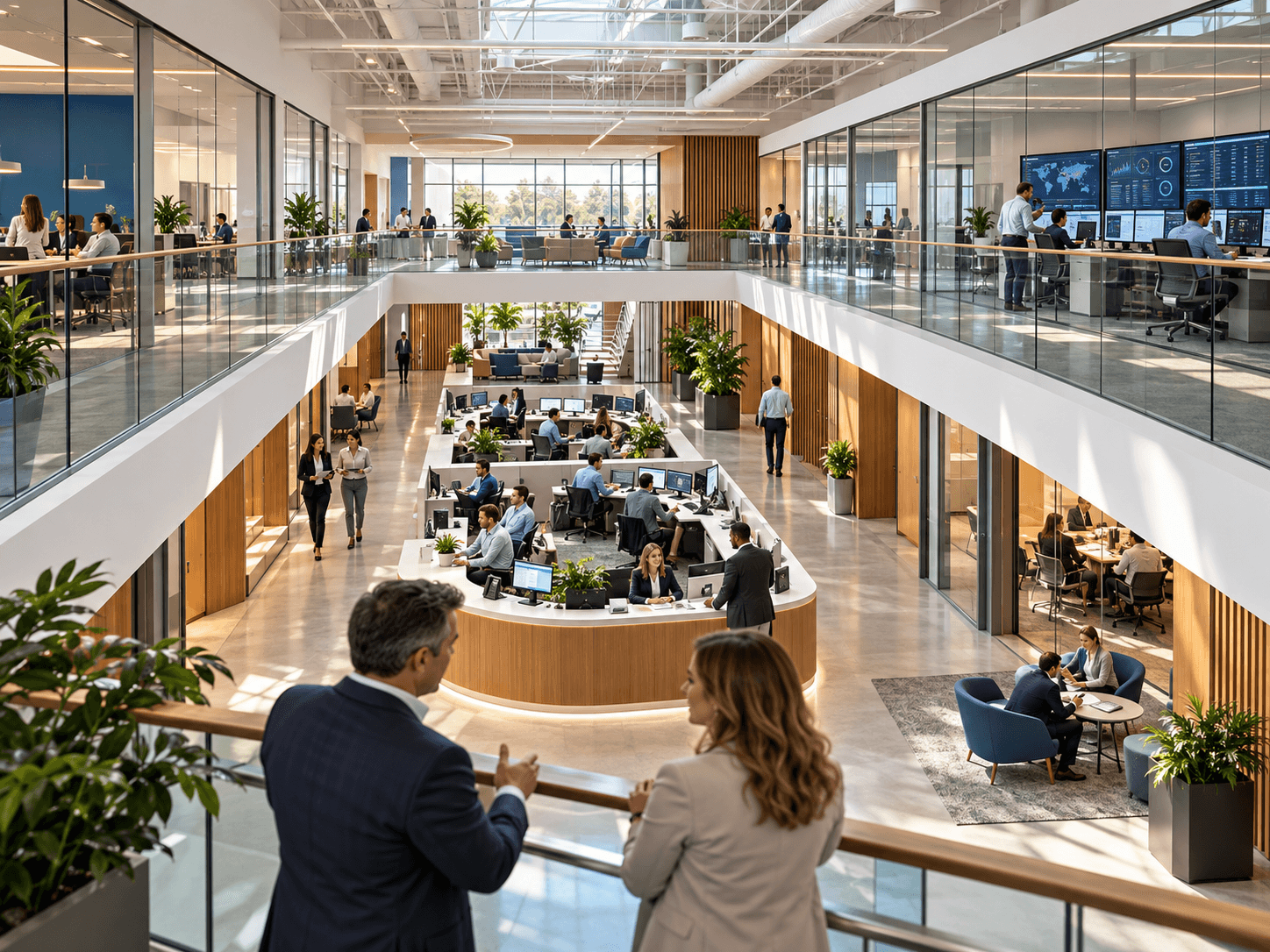
When Technology Stops Working, the Problem Doesn't Stay in IT.
A network failure can interrupt customer service. A compromised account can affect critical information. A server problem can make business applications unavailable. Even a single unresolved employee issue can delay work that customers are expecting. These disruptions are difficult to manage when responsibilities are unclear or technology only receives attention after something breaks. A more structured approach helps businesses understand their systems, address risks, and respond when problems occur.
Who Is Responsible When Something Breaks?
Employees need a clear support process, with defined ownership and escalation when an issue cannot be resolved immediately.
Are Problems Being Prevented or Just Repaired?
Monitoring, maintenance, updates, and security reviews help identify concerns before they repeatedly interrupt business operations.
Can Your Business Recover When Something Goes Wrong?
Backup, documentation, access controls, and recovery planning help organizations respond more effectively to interruptions and security incidents.

One Business. Dozens of Systems That Need to Work Together.
A typical workday may involve Microsoft 365, business applications, networks, employee devices, printers, phone systems, shared documents, and cloud services. Employees see the tools they use, but behind them are configurations, updates, permissions, equipment, and security controls that require attention. CSE helps businesses understand and manage these dependencies through coordinated technical support and IT management.
Work happens across rooms, devices and time zones. The workplace should too.
Understand the Environment. Define Responsibility. Keep Improving.
Assess & Document
CSE begins by reviewing existing infrastructure, devices, business applications, security configurations, support challenges, and operational priorities. This helps identify essential systems, recurring problems, and areas that require attention.
Implement & Organize
Based on the agreed scope, CSE can configure monitoring, improve security controls, establish support processes, document the environment, and coordinate necessary technology changes. Responsibilities and escalation paths are defined so the business understands who handles what.
Support & Maintain
CSE provides ongoing services according to the selected engagement, including employee support, monitoring, maintenance, security management, and technology reviews. As the business changes, the environment and its management plan can evolve with it.
The Right IT Relationship Depends on Who Needs to Own What.
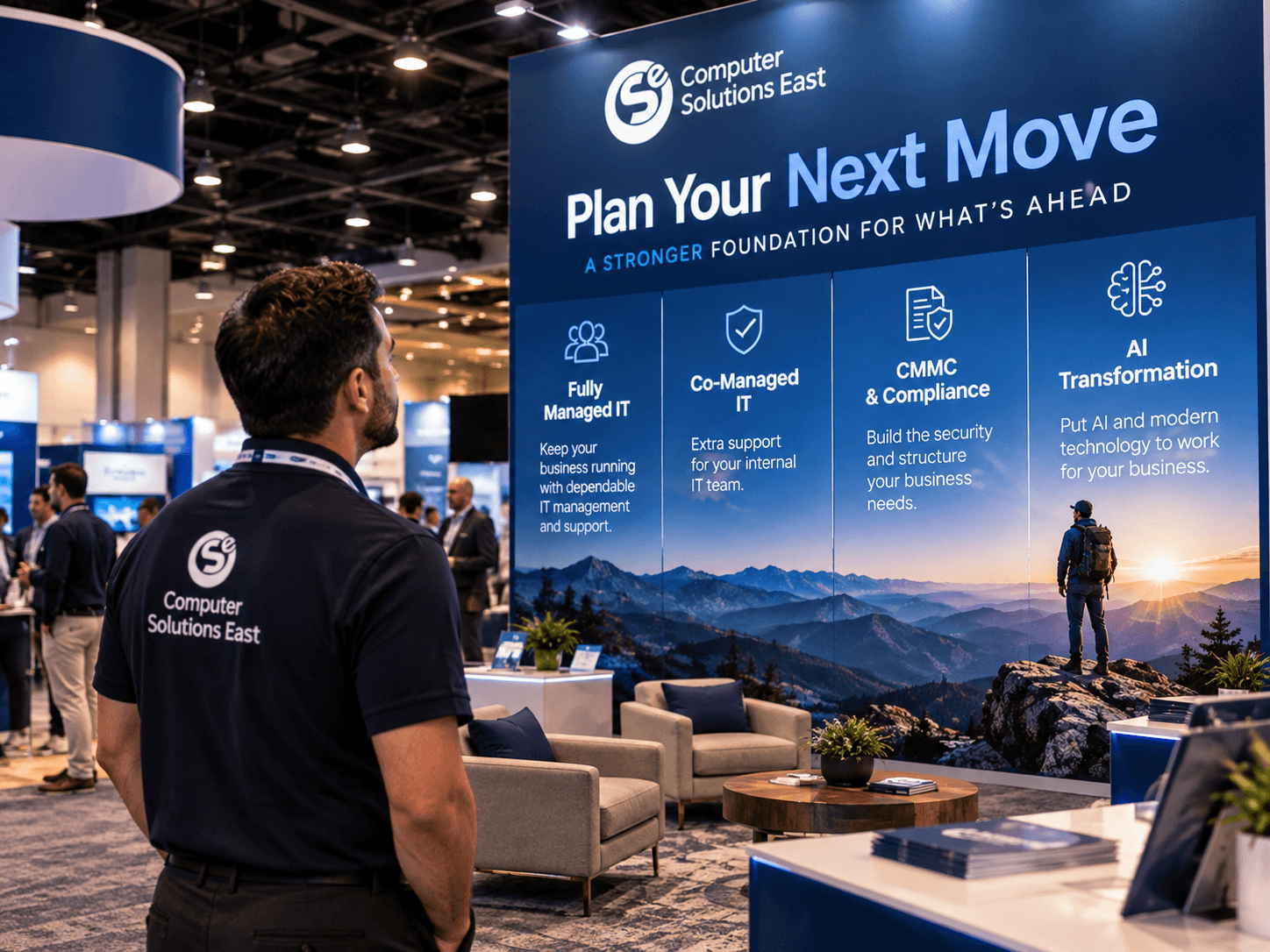
Fully Managed IT
For businesses without a dedicated internal IT team, or organizations that prefer an external partner to manage their IT environment. What This Can Include Employee help desk and support Monitoring and system maintenance Device and infrastructure management Cybersecurity and ongoing IT planning
Co-Managed IT
For businesses with an existing IT manager or small technology department that needs additional capacity, tools, or expertise. What This Can Include Shared help desk responsibilities Monitoring and security services Specialized engineering and project support Documented escalation and coordination
CMMC & Compliance
For organizations facing cybersecurity requirements connected to contracts, sensitive information, or regulated business activities. What This Can Include Security assessments and scope definition NIST / CMMC Level 2 implementation Documentation and control management Security leadership and ongoing advisory
AI Transformation
For businesses looking to improve operations through practical AI, automation, modern applications, and better-connected information. What This Can Include Microsoft Copilot implementation Workflow automation Business application configuration AI adoption and governance planning
The Difference Is Knowing What's Being Managed Before Something Goes Wrong.
Without a defined management approach, technology responsibilities can become fragmented. Employees contact different vendors, recurring problems remain unresolved, and important systems receive attention only when something stops working. CSE helps establish a more organized approach through documented responsibilities, support processes, monitoring, security measures, and planned improvements.
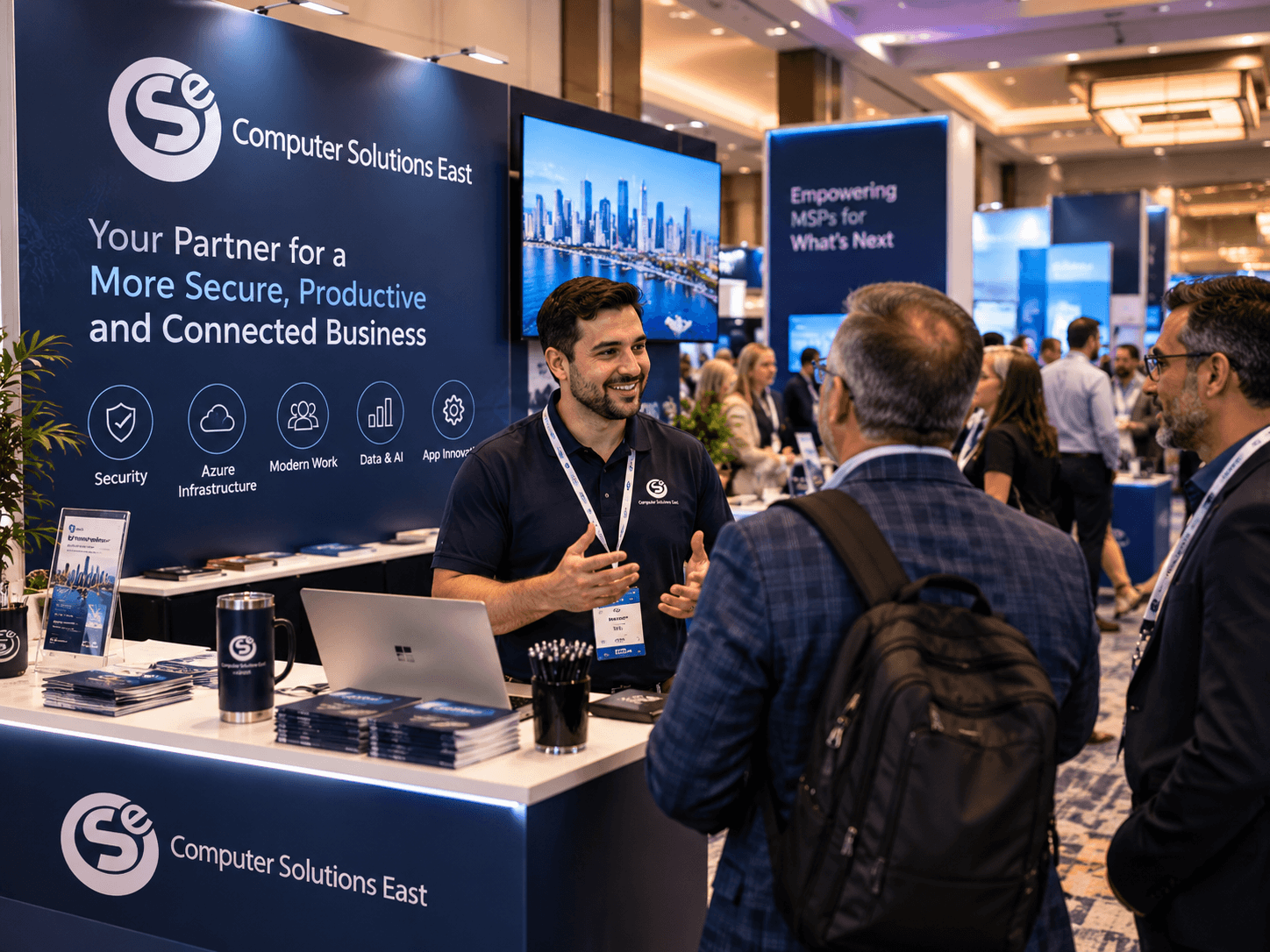
Support the Employees. Protect the Systems. Plan What Comes Next.
IT management involves more than answering support tickets. CSE brings together the technical services needed to maintain infrastructure, protect business information, support employees, and coordinate changes. Services are selected according to the organization's environment, responsibilities, and engagement scope.
Managed IT & Help Desk
Employee technical assistance Workstation and laptop support Monitoring and maintenance Technical issue escalation
Cybersecurity & Threat Management
Microsoft 365 Security Baseline Endpoint protection Identity and access controls Security monitoring and response
Network & Infrastructure
Network installation and configuration Servers, desktops, and device deployment Firewall and wireless infrastructure Connectivity and infrastructure reviews
Backup & Business Continuity
Microsoft 365 SaaS backup Backup configuration and verification Recovery procedures Business continuity planning
Cloud & Microsoft 365
Microsoft 365 administration Mailbox, SharePoint, and OneDrive migration Azure lift-and-shift implementation Cloud configuration and modernization
Compliance & Security Advisory
vCISO services Security risk reviews NIST / CMMC implementation Policies and control documentation
Technology Should Support Your Next Business Decision, Not Delay It.
Employees Have Somewhere to Turn
Support requests follow an established process so employees know where to get help when technology interferes with their work.
Risks Are Easier to Understand
Monitoring, documented systems, and security reviews provide greater visibility into important technology responsibilities.
Changes Become More Manageable
Infrastructure upgrades, employee growth, and new applications can be planned around operational needs rather than improvised after problems arise.
Leadership Can Focus on the Business
With clearer IT responsibilities and ongoing support options, business owners can spend less time coordinating technical issues.
Questions we hear early.
It is a structured review of how your people work and how your technology supports that work, followed by a plan to close the gap. The output is a workplace strategy and roadmap, not a software purchase.
Licensing gives you the capability. Consulting decides how it should be configured, which tools each team actually needs, how processes move between them, and how people are brought along. Most organizations already own more than they use.
Yes. The starting point is your current environment, including non-Microsoft tools. Replacing something is a decision the business makes, not a prerequisite for the engagement.
That is usually the reason organizations start. The goal is one workflow that behaves the same way in the office, at home or on the road, rather than a separate remote version of each process.
Yes. Adoption is part of the engagement, not an afterthought. A rollout that people do not use has not improved anything.
Your Workplace Should Fit The Way Your Business Works.
Let's identify where technology is creating friction and where a better approach can simplify the work.